Nonlinguistic Representations:
Mind Mapping
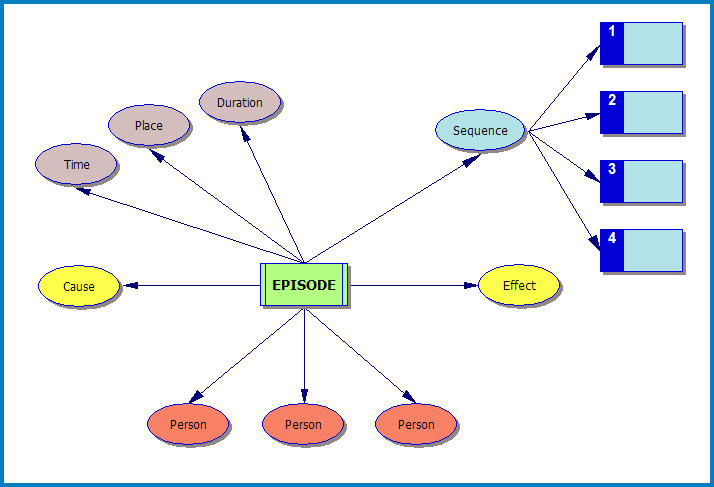
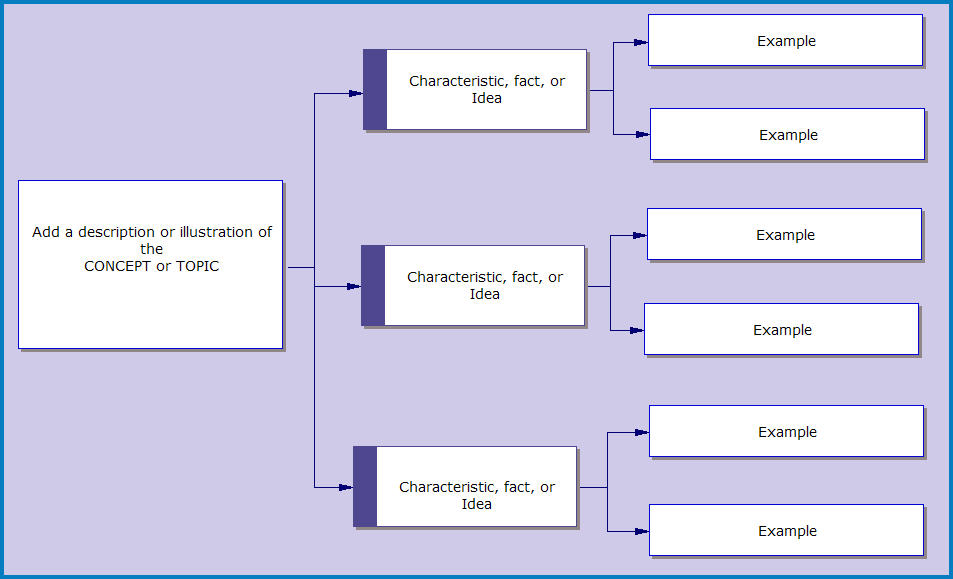
Graphic organizers and mind maps are two common ways to represent ideas through images. Marzano identifies the following six areas as the most common patterns in organizing information:
1. Descriptive Patterns
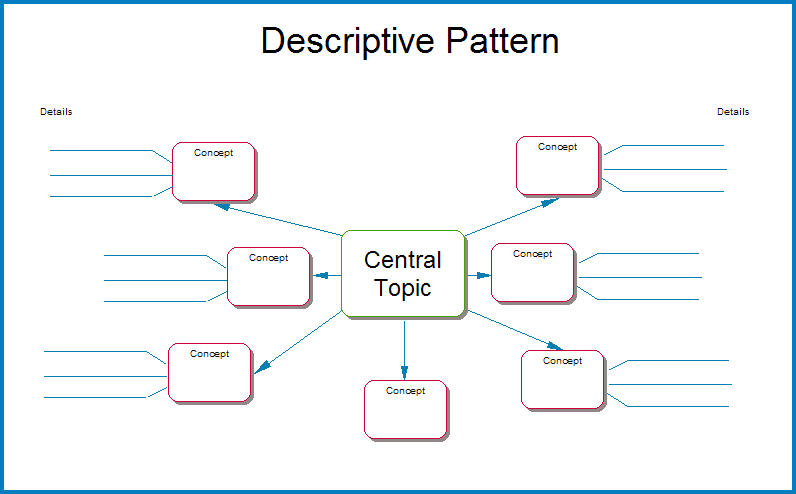
3. Process/cause-effect Patterns

5. Generalization/principle Patterns

|
2. Time-sequence Patterns
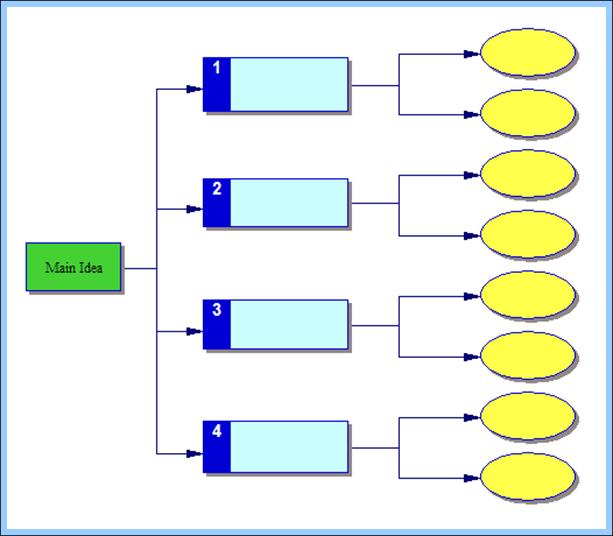
4. Episode Patterns
6. Concept Patterns
|
Mind maps can be created simply by using programs like Word, Publisher, and PowerPoint. Programs such as Comic Life and Inspiration also allow for the creation of graphic representations. As well, a number of free websites provide mind mapping opportunities for students. This link contains a number of additional examples.
Using these tools, students can create visual representations based upon one of the six information organization patterns.
Using these tools, students can create visual representations based upon one of the six information organization patterns.


Mindomo is an app for creating Mindmaps for Android Tablets. You can even present your mindmap in a "Prezi" style presentation. You will need to save your completed mindmaps as a screenshot at this time. Note - your links would no longer be live.
|



|

Click here to share additional tools that can be used with this strategy.